





Generator
History
Model
Base
Switch
Reference floor plan
Upload
BedRoom
-
2
+
BathRoom
-
1
+
Gross Area
Unit metric
 imperial
metric imperialArea
< 50㎡
50-80㎡
80-100㎡
100-120㎡
120-150㎡
> 150㎡
Extras
Looking for any specific?
e.g. Modern style living room with bright colors, soft lighting and minimalist design.
 Count
Count
Unlock Your Dream Layout: The Ultimate Floor Plan Designer Free Online
Imagine a world where crafting perfect home layouts is effortless. Ideal House brings that vision to life with our AI Floor Plan Generator, your go-to solution for a floor plan designer free online. Quickly generate professional 2D floor plans from simple inputs, ideal for homeowners, real estate pros, and designers. Say goodbye to complex software and hello to intuitive design. Start visualizing your space today with the best free floor plan software that streamlines your planning process.
Generate My Floor Plan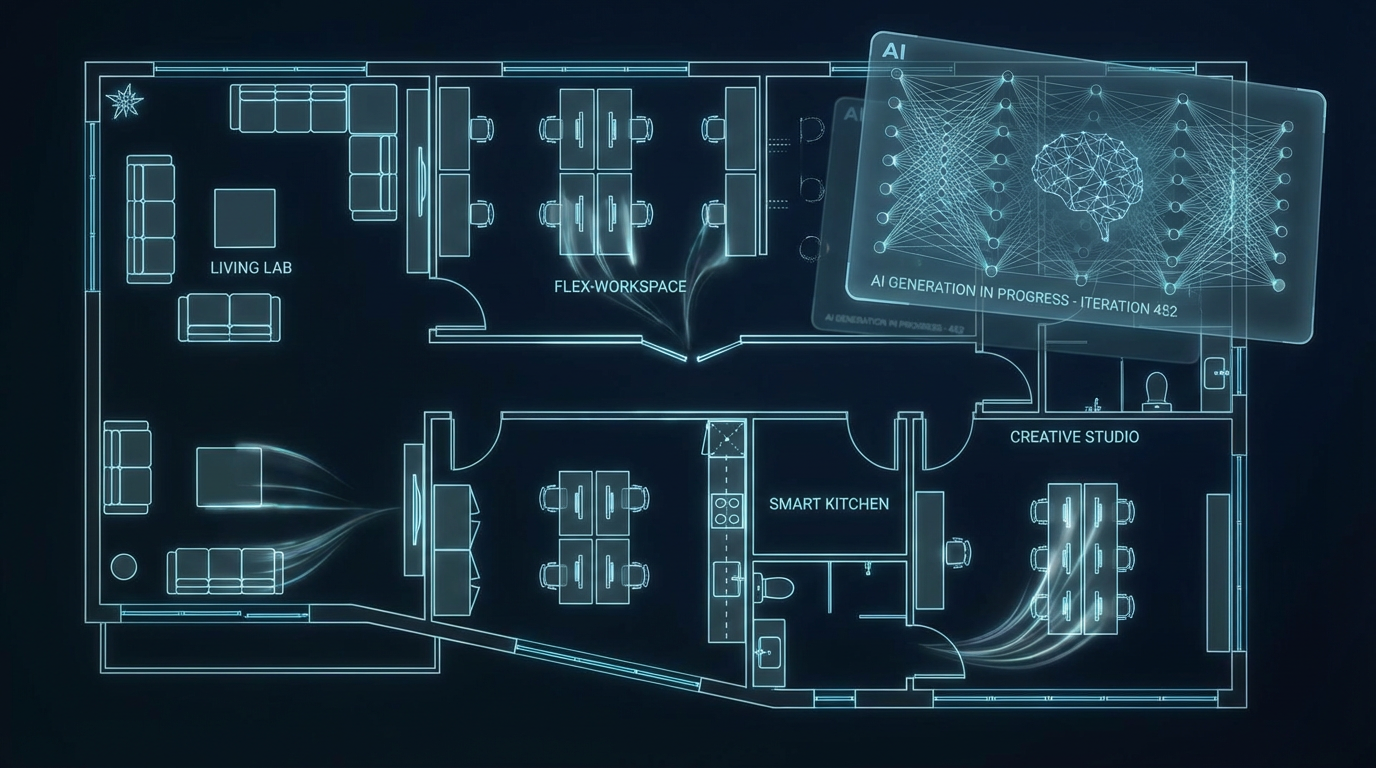


Why Ideal House is Your Best Free Floor Plan Software Choice
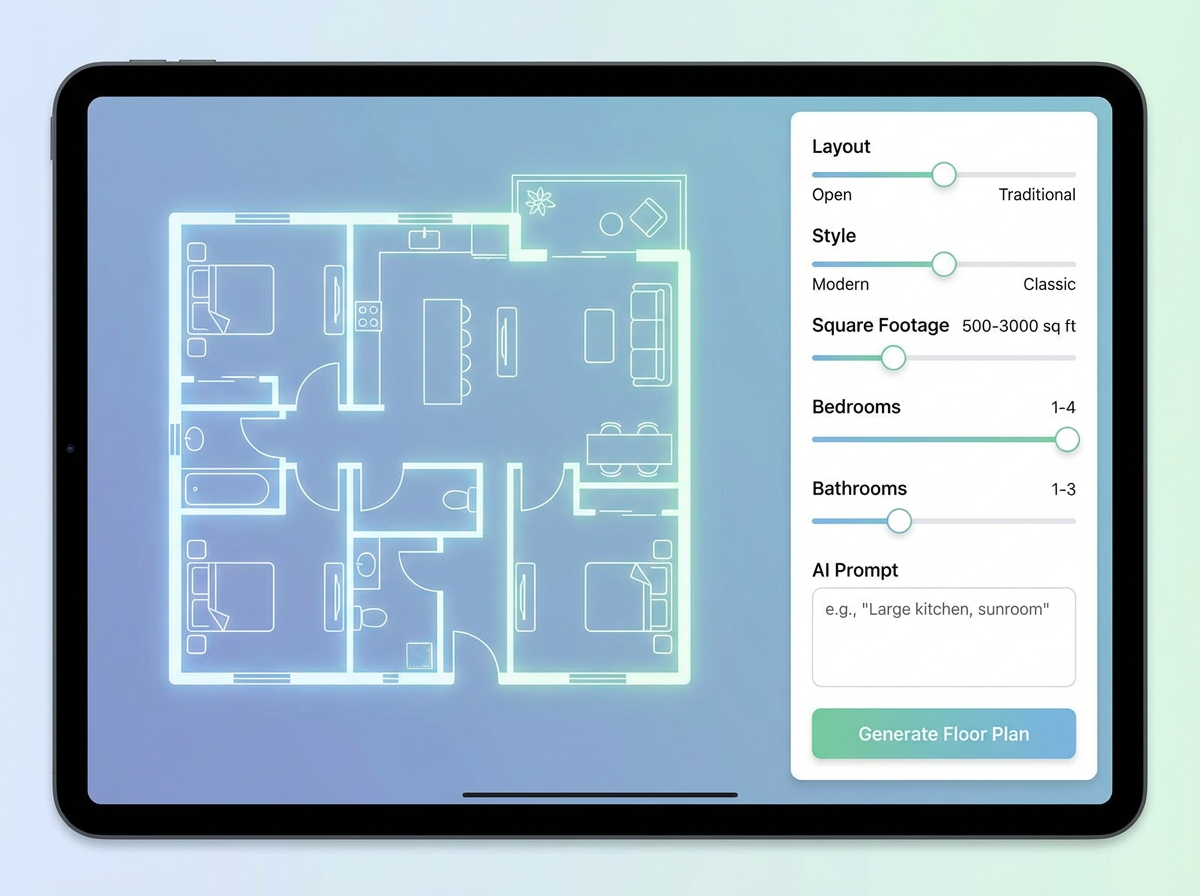
Instant 2D Floor Plan Generation
Our AI floor plan maker transforms your ideas into clear 2D floor plan visuals in seconds. Simply input your requirements like bedrooms, bathrooms, and kitchen style, then watch as a precise floor plan designer free online comes to life. It's the ultimate quick floor plan draft tool for anyone needing rapid visualization.
Customize with Precision
Go beyond basic floor plan creator functions. Ideal House lets you choose open or closed kitchens, define gross area ranges, and add essential extras like a walk-in closet, laundry room, or home office. This custom floor plan generator ensures your unique needs are reflected in every design, making us the top house plan designer free solution.
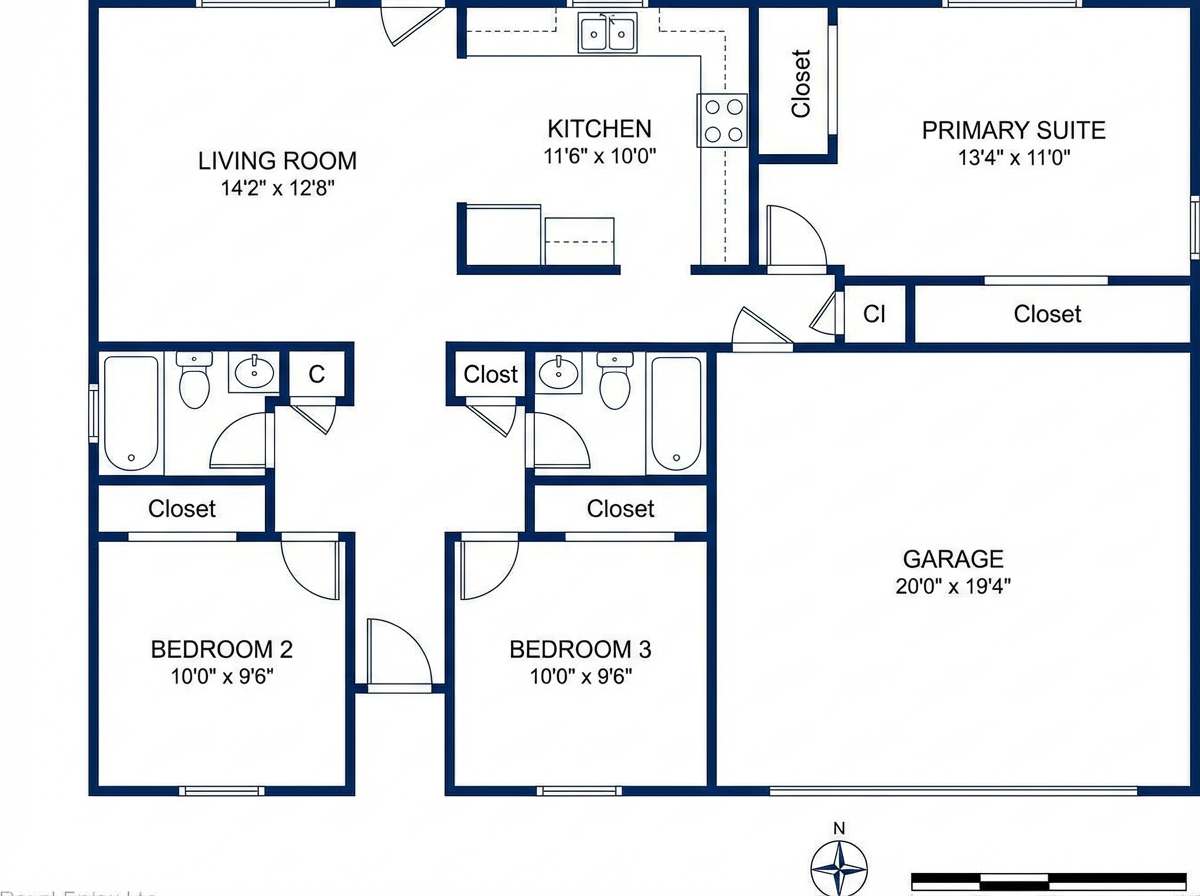
Perfect for Real Estate & Listings
For real estate professionals, consistent and clear 2D real estate floor plans are crucial. Our tool allows you to generate floor plans online that highlight flow and layout, enhancing property listings and impressing potential buyers. It’s an invaluable asset for showcasing any property, offering a professional touch to your sales.
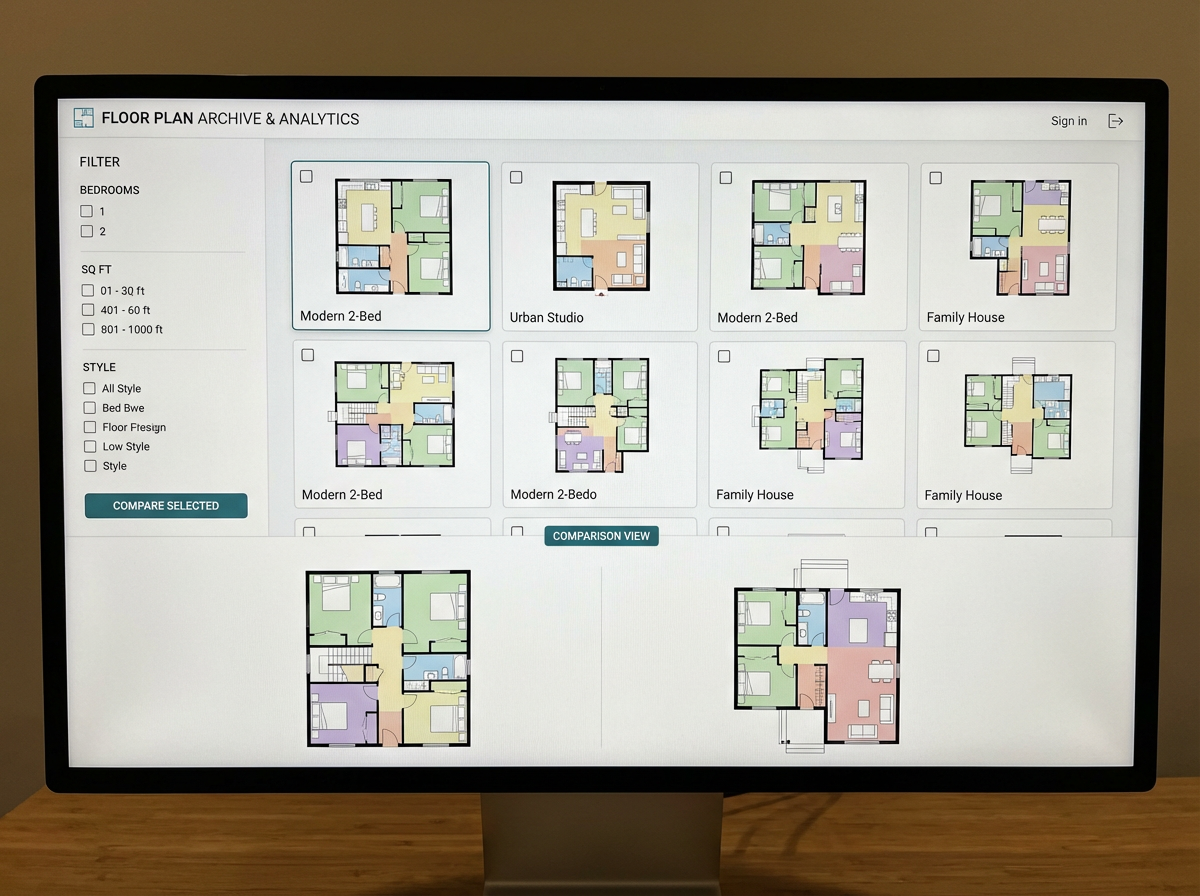
Save & Iterate Effortlessly
Every floor plan you generate is saved in your history, allowing for easy comparison and iteration. Filter and review your designs with ease, ensuring you land on the perfect layout. This feature makes Ideal House not just a floor plan designer free online, but also a smart home layout planner that evolves with your vision.

Who Benefits from Our AI Floor Plan Generator?

Homeowners & DIY Enthusiasts: Easily visualize remodels or dream home layouts with a free home design tool.

Interior Designers & Decorators: Rapidly prototype and present apartment floor plan concepts to clients.

Real Estate Professionals: Create consistent, high-quality 2D floor plans for compelling property listings.

Your Guide to Using Our Floor Plan Designer Free Online
1
Set Rooms: Define the number of bedrooms (0-4) and bathrooms (1-3) to begin shaping your home’s core.
2
Choose Kitchen Style: Decide between an open or closed kitchen layout, influencing the social flow of your space.
3
Pick Gross Area: Select a size range to guide the overall scale and proportions of your floor plan designer free online.
4
Add Extras: Enhance your design with features like a walk-in closet, home office, or combined living-dining.
5
Generate & Review: Click 'Generate' to instantly see your 2D floor plan. Tweak and regenerate to explore options.
6
Download & Share: Export your chosen plan as an image or PDF to share with clients, colleagues, or for listings.
Frequently Asked Questions About Our AI Floor Plan Generator
How does this tool generate a floor plan from my selections?
Our AI floor plan generator interprets your inputs—beds, baths, kitchen type, area, and extras—to draft a logical 2D floor plan. It applies common design principles for adjacencies and circulation, providing a fresh concept with each generation.
What are the customization ranges and default settings?
You can select 0-4 bedrooms (default 2), 1-3 bathrooms (default 1), and open/closed kitchen (default open). Gross Area offers various bands. Extras are multi-selectable, making it a truly custom floor plan generator.
How does the 'Gross Area' selection impact my floor plan?
The gross area band guides the overall scale of your floor plan, ensuring rooms and corridors are appropriately sized for your desired footprint. Choosing the closest band helps create a believable and practical home layout planner result.
What's the difference between open and closed kitchen options?
An open kitchen promotes a continuous sightline and smoother flow into living and dining areas. A closed kitchen creates a more defined, separate cooking zone. This choice significantly impacts your room layout tool output.
What role do 'Extras' play in the design process?
Extras like a walk-in closet, pantry, or home office tell the AI floor plan maker to prioritize and strategically place these spaces within your design, optimizing functionality and flow. It helps achieve a more tailored architectural floor plan generator output.
Enhance Your Design Workflow with Ideal House Tools

Magic Editor
Fine-tune your rustic design by changing wall colors, swapping decor items, or adjusting furniture with pinpoint accuracy.
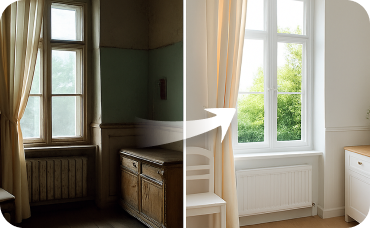
Interior Remodel
Bring the transformation inside by remodeling kitchens, bathrooms, and living spaces with AI.
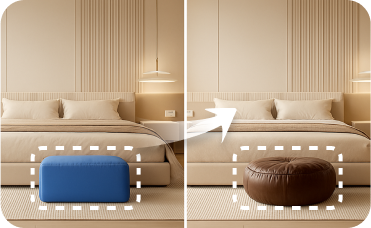
Smart Replacer
Change smaller architectural details beyond furniture, like windows, flooring, or light fixtures.
Ready to Design Your Perfect Space?
Transform your vision into a professional 2D floor plan with Ideal House, the leading floor plan designer free online. Fast, intuitive, and remarkably accurate.
Generate My Floor Plan
Ideal.House is more than a platform—it's your all-in-one home design ecosystem. Dive into powerful AI tools such as Interior Remodel, Exterior Renovator, and Landscaping to craft stunning spaces, and let HouseGPT guide you with tailored suggestions for planning, styling, and furnishing. Connect with a passionate community to swap ideas and advice, then take your designs from concept to completion with handpicked products matched to your taste.
At Ideal.House, we've built a space where technology, creativity, and collaboration come together to redefine home design.
At Ideal.House, we've built a space where technology, creativity, and collaboration come together to redefine home design.
Technical support [email protected]



💰 Earn 10% commission as a Ideal House Affiliate Partner.
Join us